.png)




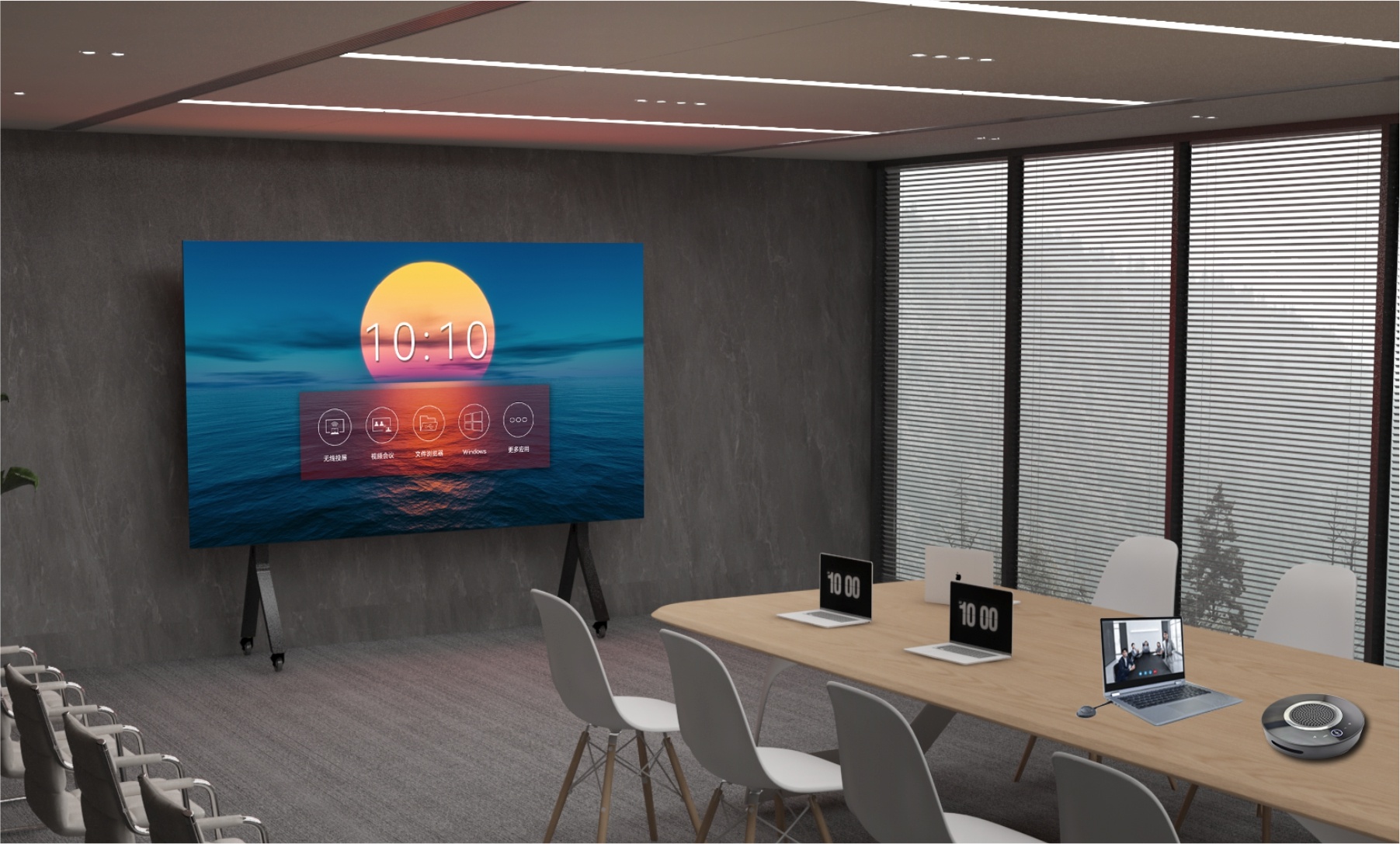
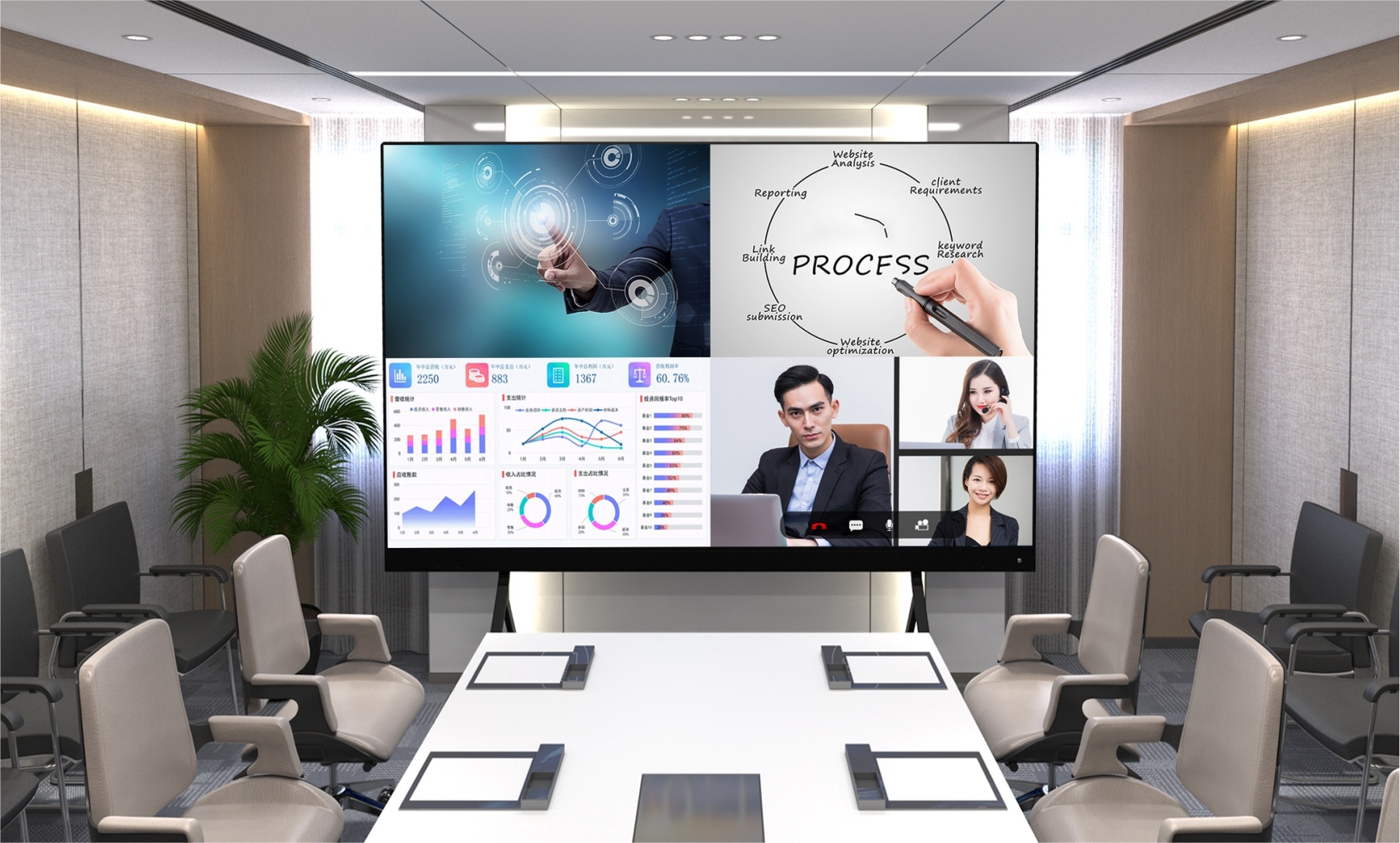
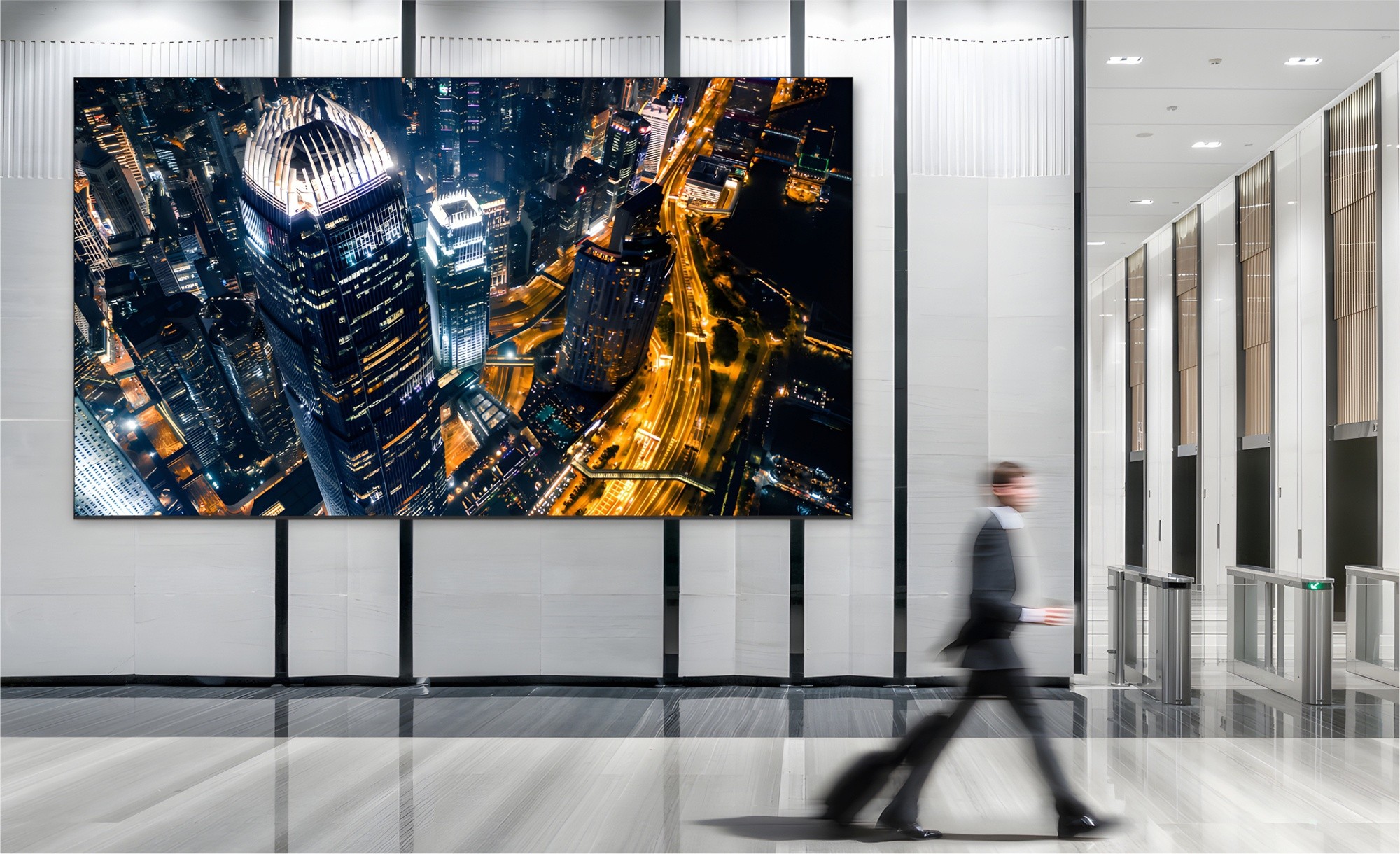

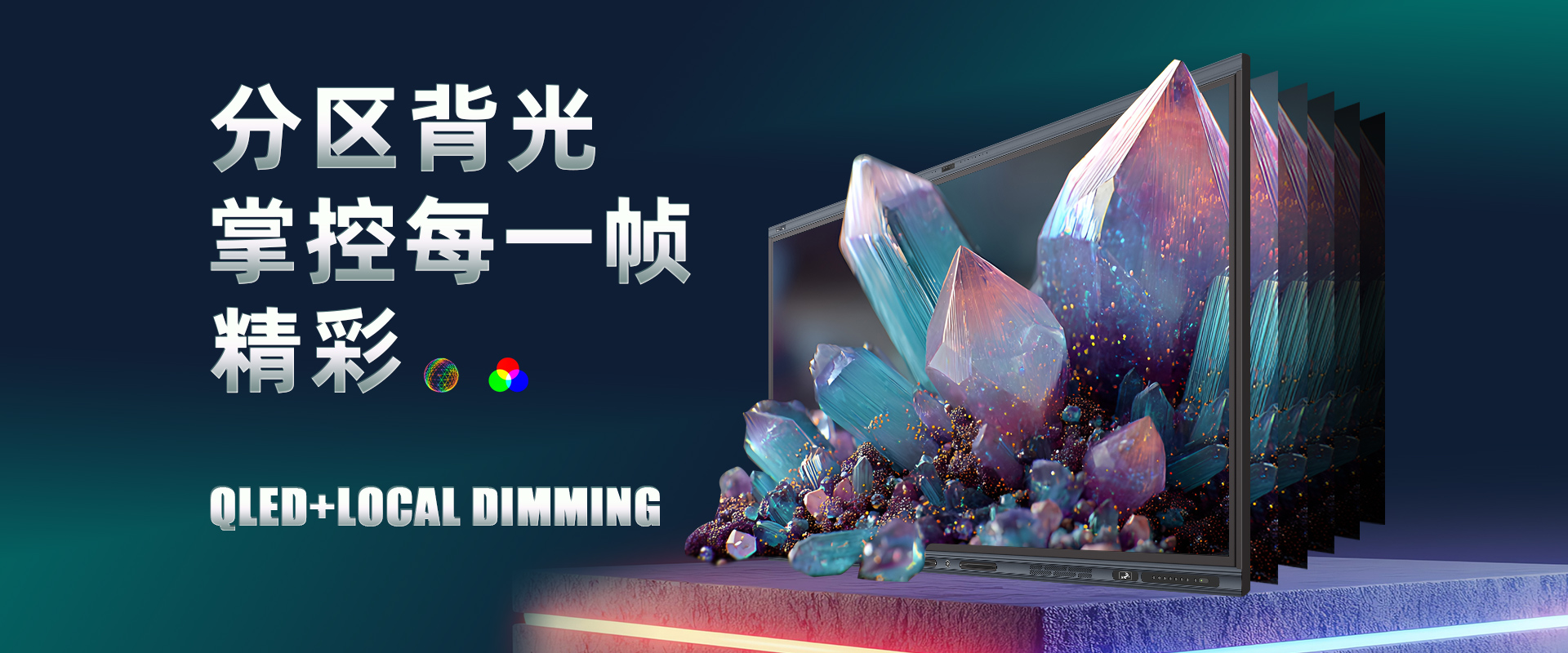
1.The tempered glass and LCD display layer of the whole machine have no gaps, reducing polarization and scattering between the display panel and the glass, resulting in clearer and more transparent image display, wider viewing angle, and smaller parallax. Maintain clear display under strong light conditions.
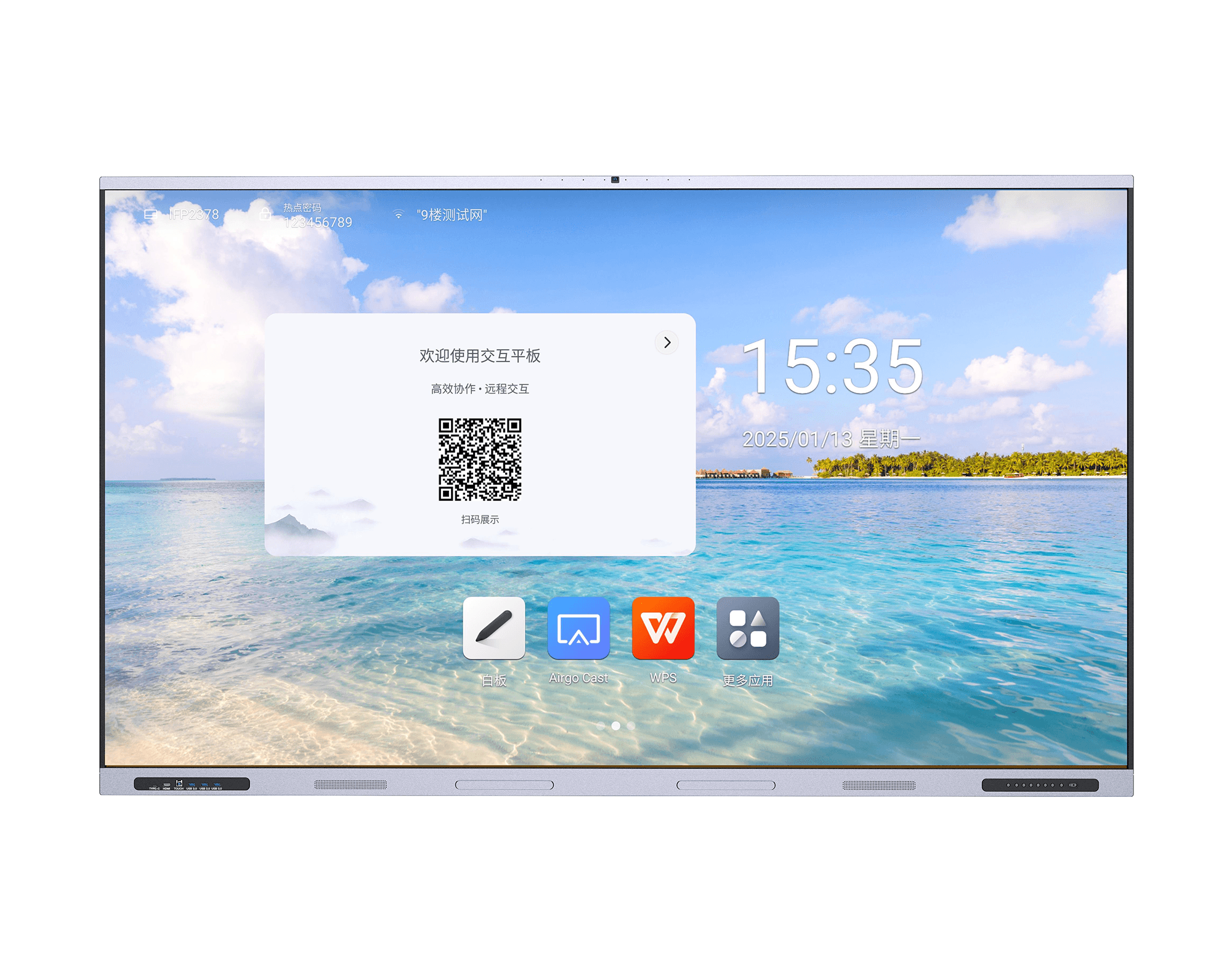
2.Overall screen size: wide1955mm, high1188mm.
3.Display size:86Inches. Display resolution:3840(H)×2160(V);
4.The screen surface adopts≤4.0mmFully tempered anti glare glass, hardness ≥9HFoggy ≤8%Using ≥1.5 KgSteel ball ≥2. 0The free fall impact test was conducted at a height of meters, and the protective tempered glass was undamaged and functionally normal.
5.Brightness:≥350 cd/㎡; Contrast: ≥1000:1Viewing angle: ≥178°.
6.Display color:10bitColor gamut:95% NTSCHigh color gamut; Transmittance>95%Color coverage: ≥130%.
7.Touch resolution:≥32768*32768Touch accuracy: ≤1mm; cursor speed: ≥300Dot/In seconds.
8.Adopting capacitive multi-point touch sensing technology, inWindowsThe system can support ≥40Touch, inAndroidThe system can support ≥20Touch it.
9.The flat surface of the blackboard machine meets the functions of direct writing with liquid chalk, dust-free chalk, water-soluble chalk, and ordinary chalk.
10.Built in stereo speakers, forward facing sound to avoid interference, total power:≥50W.
11.The front buttons and interfaces adopt a hidden embedded structure and must be protected by anti-collision barriers. When in use, the barriers can be opened by pressing, and when not in use, they can be closed to block dust and moisture. Barrier height ≥4.5cmThe bidding documents need to provide evidenceCNASandCMACopy of inspection report issued by certified testing agency with original factory seal affixed)
12.The whole machine can be quickly accessed through gestures at any position below the machine in any channel, and the touch speed for menu retrieval and operation of various functions is less than1sResponse without delay, with return operation, one click homepage, task preview, menu settings, volume adjustment, brightness adjustment, one click whiteboard, full channel screen annotation, and screenshot; And it can be lightly tapped to hide without occupying the display area when not in use.
13.Equipped with a pen slot design that allows for easy placement of small items such as chalk and writing pens; Pre positioned ≥6A physical button that has at least the functions of power, home page, signal source, eye protection, screen recording, volume adjustment, etc. The power button has a three in one function: turning on and off the whole machine, turning on and off the computer, and one click energy-saving; Common external interfaces for front-end installation:USBInterface ≥2RoadTYPE-CInterface ≥1RoadHDMIInterface ≥1Road, (The bidding documents need to provide information)CNASandCMACopy of inspection report issued by certified testing agency with original factory seal affixed)
14.The whole machine has a front endType-C, throughType-CInterface implementation for audio and video input, external computer devices are connected through standardType-CConnect the wire to the entire machineType-CBy using the interface, the external computer device screen can be projected onto the whole machine, and the screen can be operated on the whole machine to achieve touch computer operation without the need to connect touch controlsUSBLine. When using an external computer in teaching, if the camera and microphone of the external computer cannot meet the teaching needs, the external computer equipment can be usedType-CConnect the wire to the entire machineType-CMouth, can directly call the built-in camera, microphone, and speaker of the whole machine, and can capture classroom images on an external computer.
15.Front end of the whole machineType-CSupport65WFast charging, compliantPD(Power Delivery)65WThe fast charging protocol standard can achieve fast charging function, greatly shorten the charging time, provide efficient replenishment for external devices' battery life, and ensure that the device can recover sufficient power in a short period of time to maintain continuous and stable operation.
16.The whole machine is equipped with a high-definition camera, and non external cameras do not occupy the device interface. There are no visible external connection cables, and it can shoot at least1300A photo with ten thousand pixels, diagonal angle ≥135The camera is equipped with a working indicator light, which indicates when the camera is running.
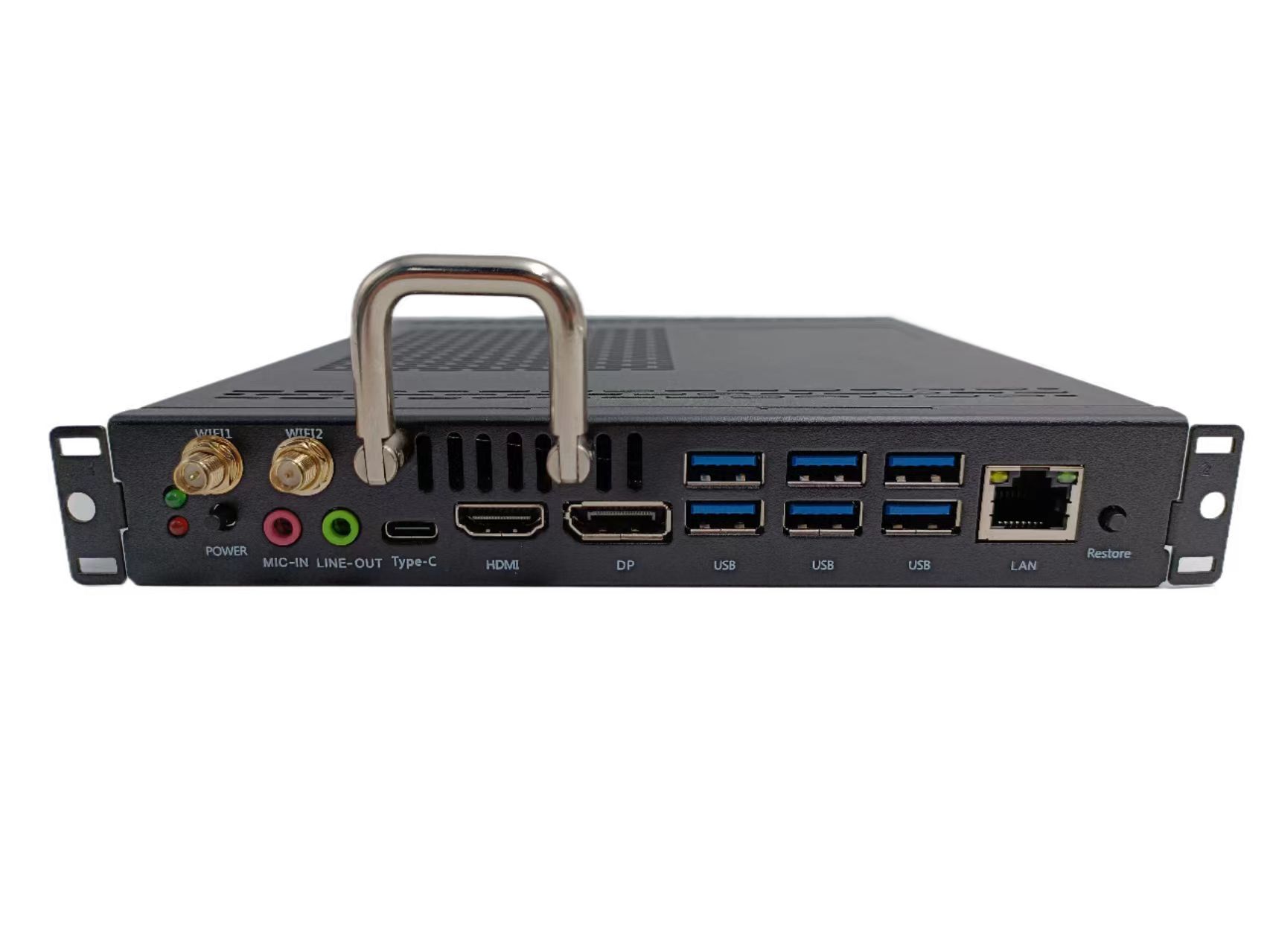
17.The side interface should at least include1Road network input1roadVGA AUDIO IN、1roadTFCard slot and other interfaces, maximum support128GTFCard. (The bidding documents need to provide evidence)CNASandCMACopy of inspection report issued by certified testing agency with original factory seal affixed)
18.The frequency of the whole machine on the vibration table5-50Hz,Vibration DirectionX、Y、ZUp and down in three directions(6Degree test) ≥60 The vibration test lasted for minutes, and the appearance showed no damage, breakage, or loose components. The entire machine can operate normally. (The bidding documents need to provide evidence)CNASandCMACopy of inspection report issued by certified testing agency with original factory seal affixed)
19.Writing induction: can be achieved10People write simultaneously, and10People operate different functions without interfering or making mistakes.
20.Touch count ≥80,000,000Click once. (The bidding documents need to provide evidence)CNASandCMACopy of inspection report issued by certified testing agency with original factory seal affixed)
21.Grayscale: The screen displays a grayscale resolution level of up to256Above gray level.
22.The device can set a default channel for power on, and the set default channel can be turned on when any channel is turned off.
23.Anti strong light test: Touch screen in strong light(≥500K LUX)Under illumination, touch and writing functions operate normally.
24.In85℃,85%Can work normally in a humid environment. (The bidding documents need to provide evidence)CNASandCMACopy of inspection report issued by certified testing agency with original factory seal affixed)
25.Machine standby power ≤0.5WEntering energy-saving mode, the whole machine can reduce power consumption95%Above,Support first level energy conservation.
26.The whole machine passes throughTUVCertification body testing, according toISO9241-307:2008、ISO9241-305:2008、ISO9241-309:2008、GB/T 18978.307-2015、IEC 62471:2006、EN 62471:2008、GB/T 20145-2006Tested according to relevant standards, meeting the requirements of "no flicker effect" and "no blue light hazard". (A copy of the proof materials that meet the standards and are stamped with the official seal is required)
27.The whole machine meets the requirementsIEC 62471Standard, passing the blue light hazard level test, the photochemical ultraviolet value is less than0.0006W·m-2Near ultraviolet value<0.0001W·m-2,blue light100 mrad FOV<85W·m-2·sr-1Retinal heat<450Infrared radiation<0.008W·m-2(A copy of the proof materials that meet the standards and are stamped with the official seal is required)
28.For product stability, the average time between failures of the interactive large screen is ≥25Ten thousand hours.
29.Touch component bonding technology complies withIATF 16949:2016Quality management standards aim to reduce polarization and scattering between display panels and glass, resulting in clearer and more transparent image display with a wider viewing angle. (A copy of the proof materials that meet the standards and are stamped with the official seal is required)
30.Embedded system configuration: Android system14.0, Memory4GBuilt in storage32G.
31.Supports dual color pen mode, which allows setting thresholds for thick, thin, and eraser strokes. It also supports writing different colors and thicknesses of text with different pens.
32.The embedded system has built-in wireless screen transmission function, supporting Androidwindows、MACandIOSSystem equipment and all-in-one machine screen transmission, supporting single screen and multi screen display.
33.windowsThe system supports desktop screen transfer and extended screen modes, and can play videos and videos on one screenPPT.
34.Anti mirroring: When transmitting screens in embedded systems, touch control of the anti mirroring device can be set to enable the display of large screen content on the client side, and annotations can be made on the client side. The large screen synchronously displays the annotation content in real-time.
35.Support setting display screen zoom mode; Support setting five finger gestures, which can set the operation content for five finger gestures in different directions such as up, down, left, and right.
36.Embedded system configuration2.4G 5GDual frequency dual-modeWIFI, can use hotspot function while surfing the internet, supports Bluetooth.Wi-FiandAPHot working distance12m. Support8The image comparison display of the projection client allows for reverse control of the content on the laptop, supporting single click, double-click, and right-click control.